INSTAGRAM POST1080 × 1080

Instagram feed
 OfferStudio Simple, fast, offline.
THE MAC APP FOR SOCIAL MEDIA MANAGERSFOR SOCIAL MEDIA MANAGERS
Type a client's offer once and get 35 on-brand posts, stories, QR flyers and Google & Meta ad sizes. Next client? Switch the brand profile, click again. Offline on your Mac. Pay once.One offer in, 35 on-brand posts, stories, flyers and ad sizes out. For every client. Offline. Pay once.
DO THE MATH
Move the sliders. This is one month of promos for your client list.
Pick only the formats a client needs, up to all 35: posts, stories, QR flyers and every Google and Meta ad size. One click makes them all, in that client's branding.
PRIVATE LIVE PREVIEW
Type a client's offer, add a photo and their logo. All six previews update as you type, in the real OfferStudio format proportions.
Take a look into the app!
Example: a real estate campaign made in OfferStudio
BUILT FOR CLIENT WORK
One brand profile per client: logo, colours and contact details. Switch clients with one click and all 35 formats follow.
Client photos and offers stay on your Mac. No cloud, no account, nothing uploaded to us. Designs, cut-outs and captions are made on your Mac.
$89 once. No subscription and no extra cost per client. Client number six costs you nothing.
No templates to fight, no design skills needed. Type the offer, pick the client, export. The previews update while you type.
QUICK VIDEO · INCLUDED
Import a client's clip, trim it, and OfferStudio writes the captions right on your Mac. Add their logo, text and music, then export for Reels, TikTok and YouTube Shorts. No CapCut, no upload, no second subscription.
Included with OfferStudio · Captions made on your Mac · No second subscription
Including
Cut out a product or a person, offline. Or replace portions of the image with AI – optional.
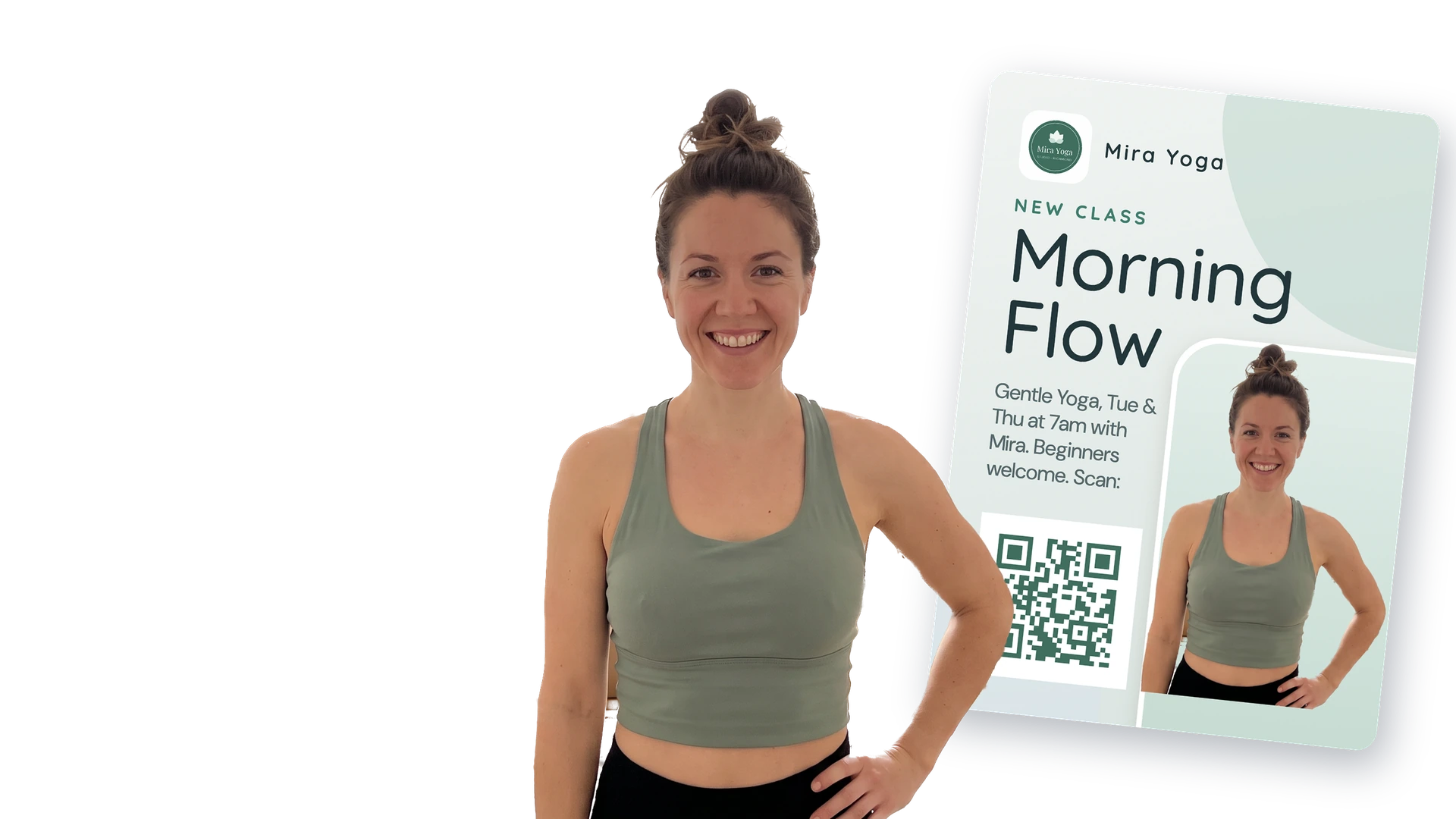
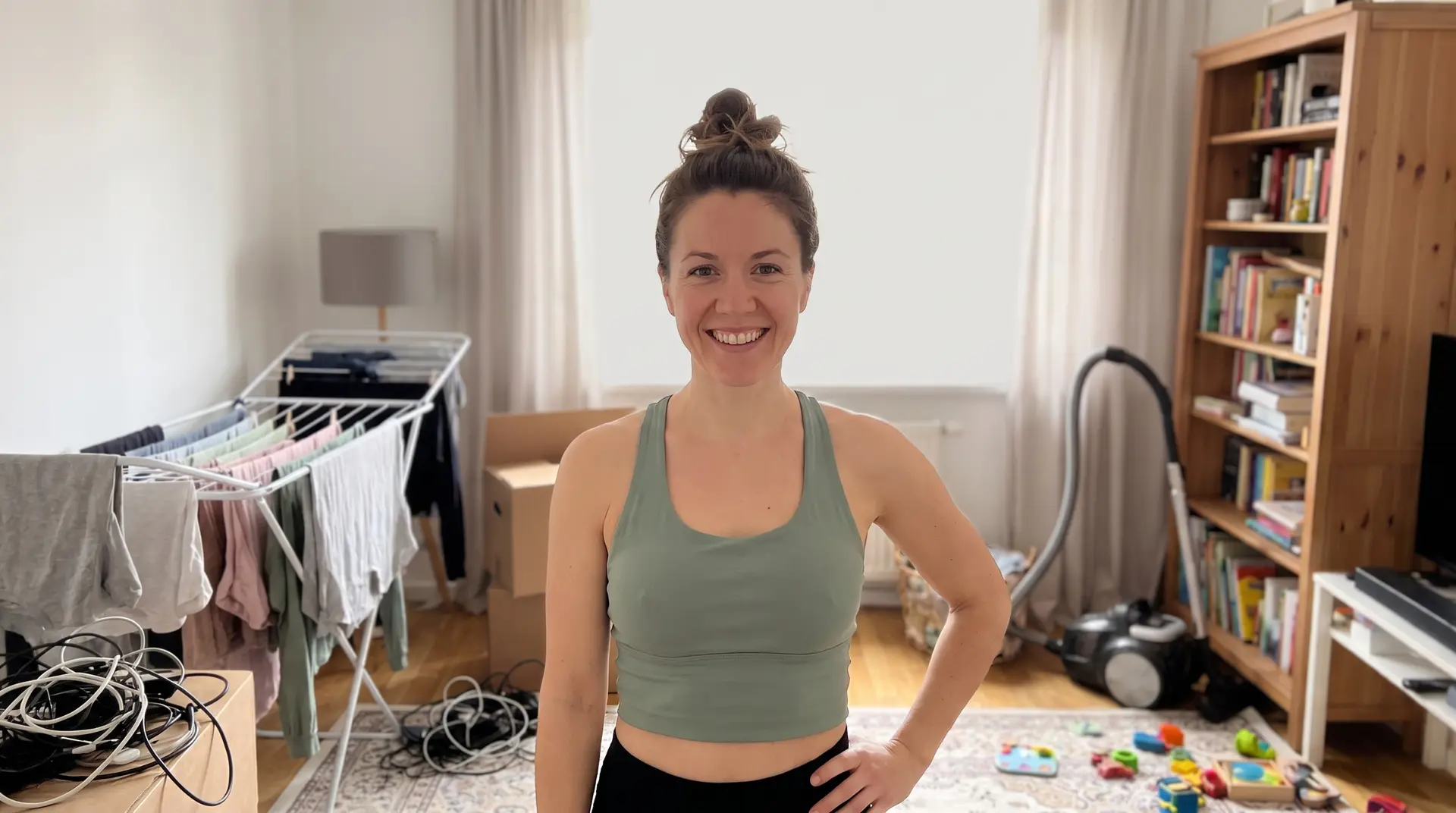
↔ Drag or swipe to compare · Use arrow keys when focused


↔ Drag or swipe to compare · Use arrow keys when focused
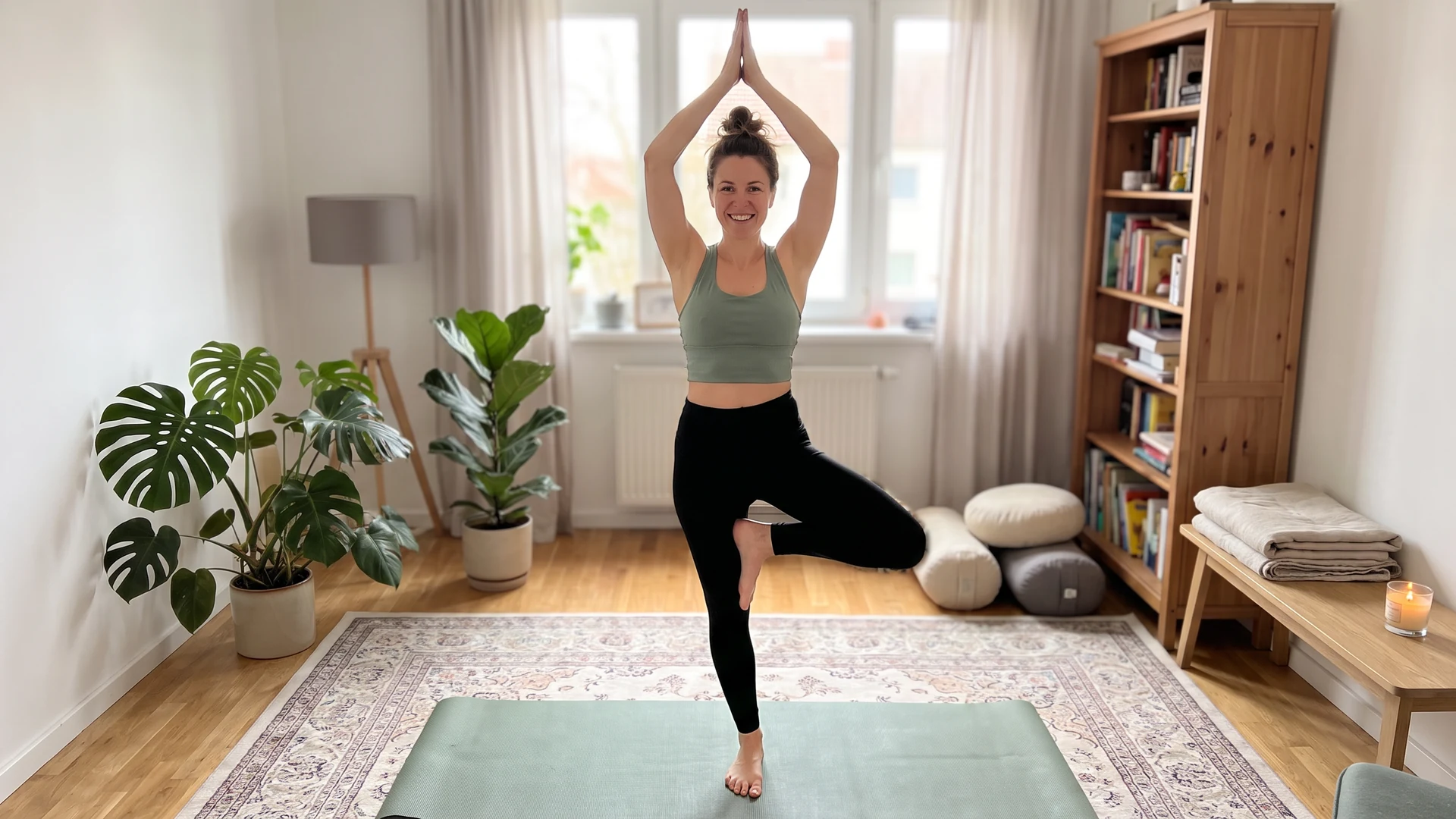
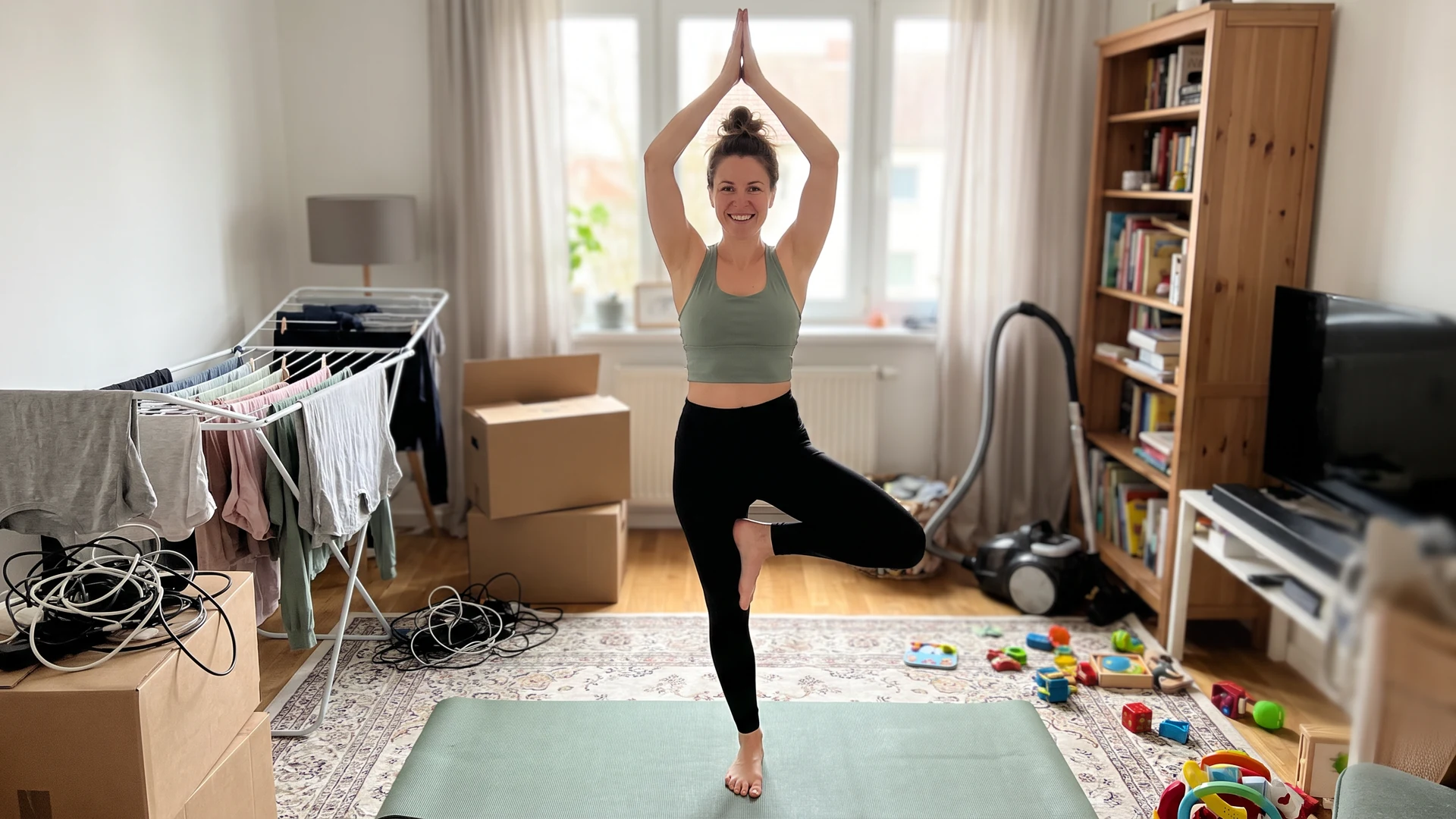
↔ Drag or swipe to compare · Use arrow keys when focused
QUICK QUESTION
What stops you?
Join the waitlist?
We'll email you the moment OfferStudio launches.
Every week, every client
Each client gets all 35 formats in their own branding, with their logo and contact details on every piece. Switch the brand profile, type the next offer, click. The reel takes a few minutes. The captions write themselves.
For Apple Silicon Macs (M1+) · macOS 14 or newer
No subscription. No account required. Forever yours
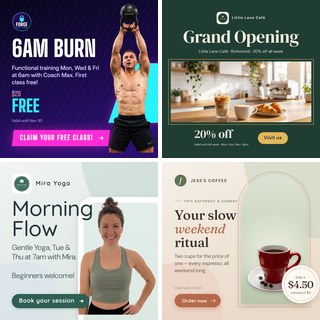
This week's clients
5 clients · 35 formats each
Forge Athletics
6AM Burn · all 35 formats

Little Lane Café
Grand Opening · all 35 formats

Mira Yoga
Morning Flow · all 35 formats

Jess's Coffee
Weekend ritual · all 35 formats

Belinda Hart Realty
Just listed · all 35 formats

Captioned reel
For each client, from their own clips

Email for each client
Subject line and body, ready to paste
SMS & WhatsApp text
Short and ready for their customer list
Yes. Every client gets their own brand workspace with their logo, colours, tone and campaigns, cleanly separated. Switch clients with one click and every format comes out in that client's branding. Multi-brand workspaces are included at no extra cost.
No. Brand profiles, campaigns, images and exports are stored on your Mac. Designs, background removal and Quick Video captions are made on your Mac, and nothing is uploaded to us: there is no cloud and no account. The optional AI features only run if you connect your own OpenAI key.
$89 once, for all your clients. No subscription and no extra cost per client or brand.
OfferStudio is a Mac app that turns one offer into 35 ready-to-post promotions: social posts, stories, a QR flyer and every Google and Meta ad size, all in your branding. It's not an AI video generator and not a blank design canvas. You type your offer, add a photo and your logo, and everything is generated. You can fine-tune anything, but you never start from zero.
Social media managers, freelancers and small agencies who make promos for several businesses — and every business owner who promotes their own offers.
OfferStudio runs on all Macs with Apple Silicon (M1 chip or later, sold since late 2020) on macOS 14 Sonoma or newer.
Intel-based Macs are not supported.
Not sure which chip you have? Click the Apple menu → "About This Mac" — if it says M1, M2, M3 or M4, and got macOS 14 Sonoma or newer, you're good to go.
Really. You pay once and OfferStudio is yours forever. There is no account, no login, no credits and no recurring fee from us. The optional AI features (offer text refinement, and the Generative Replace function within images) use your own OpenAI account, which you control and pay for directly. This is NOT a requirement, and OfferStudio works just as intended without it.
You need an internet connection once to activate your licence. After that, OfferStudio’s core features — creating promotions, editing, background removal, Quick Video including auto captions, and exporting — keep working offline indefinitely. Only the optional AI copy refinement and AI background features and streaming tutorial videos need internet.
No. Quick Video transcribes your clip directly on your Mac — the speech recognition model ships inside OfferStudio, so nothing is uploaded and nothing waits on someone else's server. Import a clip, captions appear, you style them, you export. No round trip through another app, no watermark, no account.
No. All core features — the 35+ formats, brand profiles, editing, background remover, Quick Video with auto captions, and exports — work completely without it. If you want AI-refined copy or AI-generated backgrounds or change parts of an image via the Generative Replace fucntion, you can optionally connect your own OpenAI API key. It's stored securely in your Mac's Keychain and never leaves your computer.
Three things from one app. One offer in, 35+ assets out: Instagram posts (1:1 and 4:5), stories, a print-ready flyer with QR code, all standard Meta Ads and Google Ads formats, plus ready-to-use email, WhatsApp and SMS copy. The Quick Video Edit Suite: import a clip, trim it, generate captions on your Mac, add text, logo and audio, then export. The Background Remover Suite: Remove any background you want in images (offline) or replace parts of it via the Generative Replace function (requires OpenAI credits - optional, tutorial within the app). Everything stays consistent with your brand colors, logo and details.
OfferStudio is sold through Gumroad. You'll find the refund terms on the purchase page.
No — that's the point. OfferStudio is not a design tool with a blank canvas. You enter your offer, add a photo and your logo, and every format is generated ready to use. You can fine-tune anything afterwards, but you never start from zero.